Streaming Technology
Tips for a Smoother IPTV Streaming Experience
Practical tips to improve IPTV streaming at home: wired connections, Wi-Fi placement, restarts, updates, picture quality settings and when to ask for help.
Published
How smoothly VARESTEAM4K IPTV plays depends a lot on your home setup: the internet connection, your Wi-Fi and the device itself. These practical checks can help, and most take only a few minutes. If you haven’t set up your device yet, start with our device setup guide.
Use a wired connection where you can
An Ethernet cable from your router to your TV, TV box or computer is usually more stable than Wi-Fi, because it avoids interference from walls and other wireless devices.
Improve your Wi-Fi signal
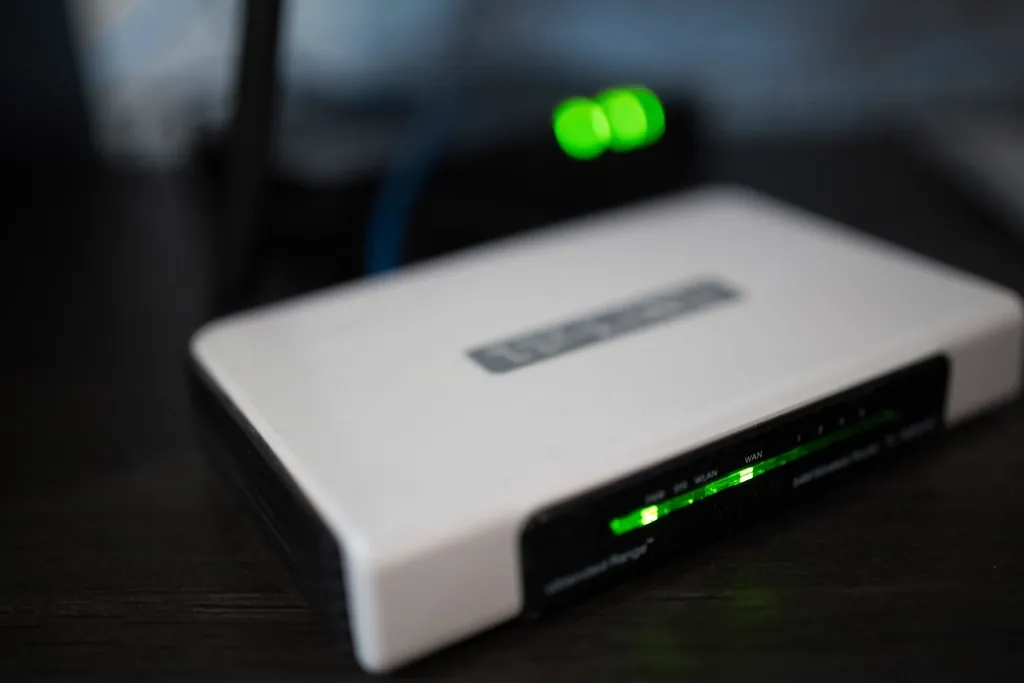
- Place the router in an open, central spot rather than inside a cabinet or behind the TV.
- Keep the streaming device as close to the router as is practical.
- If your router offers a 5 GHz network, try it for the streaming device. It is usually faster over short distances, while 2.4 GHz reaches further.
Reduce competing internet use
Large downloads, game updates, video calls and other streams all share the same connection. If playback struggles, pause big downloads while you watch.
Restart and update
- Restart your router, then the streaming device, when problems persist.
- Close and reopen the player app.
- Install available updates for your device and player app.
Match the picture quality to your connection
Higher resolutions such as 4K need considerably more bandwidth than HD. If your connection is limited, choosing a lower-quality version of a channel, where one is available, can help playback stay steady.
Check your internet speed
Run a speed test on the same device and network you stream on. If results are much lower than your broadband plan, contact your internet provider.
Still having trouble?
Double-check your sign-in details using the device setup guide, then message our team with your device type and what you’re seeing.
Need a hand?
Message our team on WhatsApp at +44 7476 510069 and tell us which device you’re using.
Message us on WhatsApp (opens in a new tab)More Guides
Device Setup Guides
How to Set Up Your Device
Connect a compatible Smart TV, Fire TV, phone, tablet, PC or TV box step by step.
Read Guide: How to Set Up Your DevicePlans & Connections
Choosing Your Connections
Work out how many screens need to stream at once before you choose a plan.
Read Guide: Choosing Your Connections